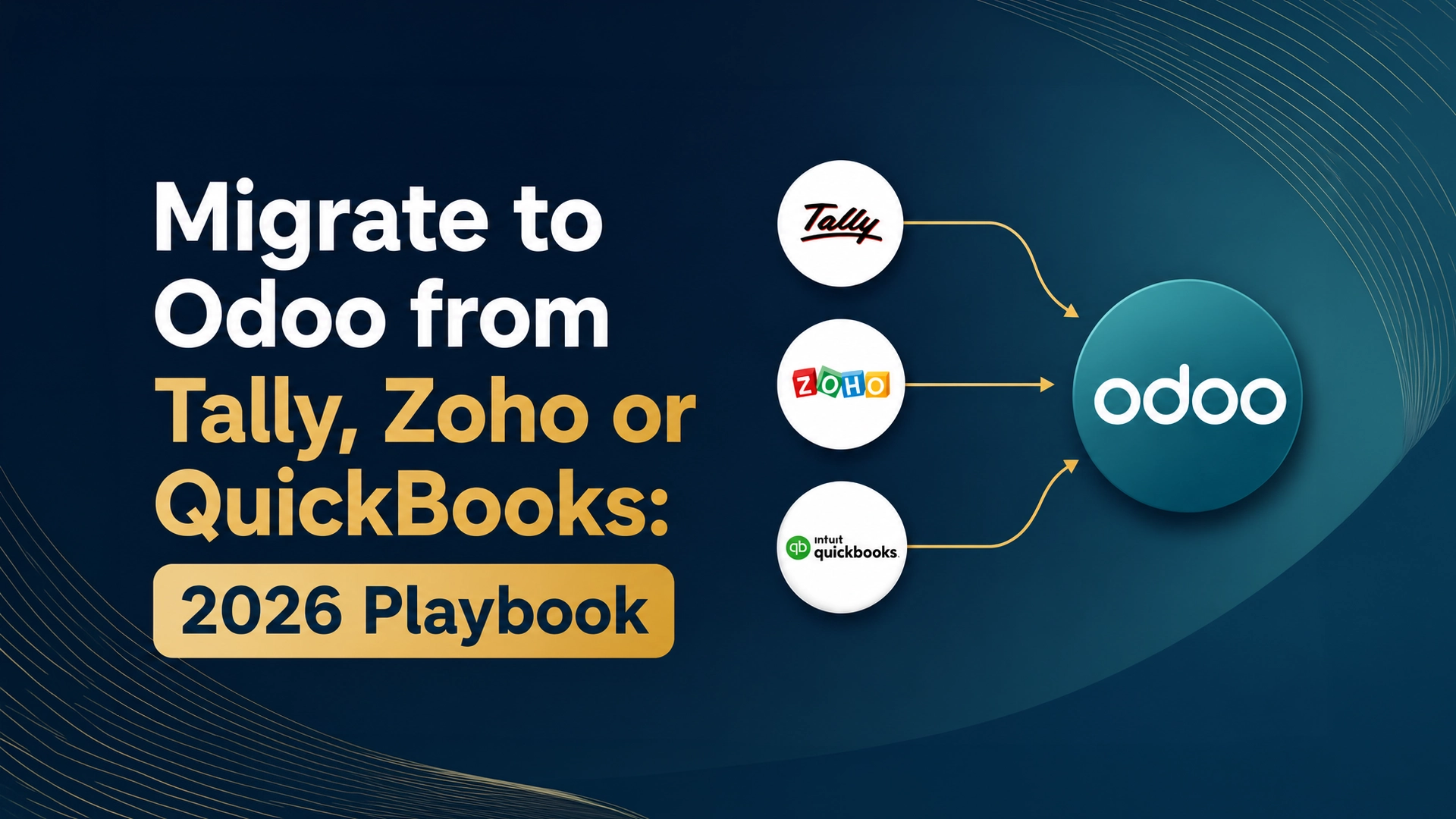
If your books still live in Tally, Zoho, or QuickBooks, you’re in good company — QuickBooks alone holds an estimated 80–85% of the accounting-software market. But “good enough for accounting” is exactly the trap. As operations grow and the UAE’s e-invoicing and corporate tax rules tighten, more finance teams are choosing to migrate to Odoo — swapping a single-purpose ledger for a connected business platform. This playbook covers the trends, the triggers, and a battle-tested migration roadmap.
Why Now? 4 Trends Driving the Move to Odoo in 2026
Migration isn’t about chasing shiny software. Four forces are pushing the shift this year:
- Compliance pressure. UAE e-invoicing (Peppol) and 9% corporate tax demand structured, auditable data that standalone accounting tools struggle to produce.
- The end of silos. Businesses want sales, inventory, finance, and HR in one place — not five disconnected apps stitched together with spreadsheets.
- Cloud and remote-first. Desktop-bound tools can’t support distributed teams; cloud-native ERP can.
- Real-time decisions. Static, end-of-month reports are losing to live dashboards and (increasingly) AI-assisted insights.
5 Signs You’ve Outgrown Your Current System
Not sure if it’s time? If you recognize three or more of these, you’ve likely outgrown your tool:
- You re-key the same data into multiple apps.
- Inventory or multi-location numbers no longer reconcile cleanly.
- Month-end reporting eats days of manual work.
- You can’t get a real-time view of cash, stock, or margins.
- Compliance (VAT, corporate tax, e-invoicing) is becoming a scramble.
Tally vs Zoho vs QuickBooks vs Odoo: At a Glance
| Capability | Tally | Zoho Books | QuickBooks | Odoo |
|---|---|---|---|---|
| Core scope | Accounting | Accounting + Zoho apps | Accounting | Full business suite |
| Integrated modules (CRM, inventory, HR, MRP) | Limited | Via add-ons | Limited | Native |
| Access | Mostly desktop | Cloud | Cloud/desktop | Cloud-native |
| Reporting | Static | Good | Good | Real-time dashboards |
| Customization | Limited | Moderate | Limited | Open-source, deep |
| Scales with you | Tightly | Within ecosystem | Hits a ceiling | Modular, unlimited |
Your Starting Point Shapes the Move
From Tally → Odoo
Tally is brilliant at bookkeeping but keeps sales, inventory, and operations in separate silos with mostly static, lagging reports. The migration win is unifying all of it with real-time visibility and cloud access.
Pro tip: Map your Tally ledger groups to Odoo’s chart of accounts before import. A clean mapping here prevents 90% of post-migration reconciliation headaches.
From Zoho → Odoo
Teams usually leave Zoho when they want a single owned platform rather than assembling multiple Zoho apps — especially for deeper inventory, manufacturing, or custom workflows.
Pro tip: Bring across full historical years, not just closing balances. Complete history preserves your audit trail and makes year-on-year reporting instant.
From QuickBooks → Odoo
QuickBooks shines for simple accounting, but its ceiling appears fast with multi-location operations, complex inventory, and advanced reporting. Odoo removes that ceiling.
Pro tip: Keep QuickBooks live in read-only mode for at least 90 days after cutover. It’s your safety net and your record-retention archive.
The Migration Roadmap (5 Phases)
- Assess & cleanse — audit your data, fix duplicates and inconsistencies, and define what moves.
- Configure Odoo — set up the chart of accounts, taxes (VAT/CT), users, and workflows.
- Migrate data — map and import masters and historical transactions with reconciliation dashboards.
- Parallel run — run both systems for 2–4 weeks with daily reconciliation before you commit.
- Go-live & support — cut over, train users, and keep the old system as a read-only archive.
Where migrations quietly fail: Phases 1 and 3 — data cleansing and data migration. Skip the cleanse, and you’ll import years of mess into a shiny new system. Most “Odoo didn’t work” stories are really “we migrated dirty data” stories.
Pro Tips for a Zero-Drama Data Migration
- Clean before you move. Deduplicate customers, vendors, and SKUs first.
- Reconcile daily during the parallel run. Catch discrepancies while both systems are live.
- Protect the data. Use NDAs, encrypted transfers, and role-based access throughout.
- Don’t over-customize on day one. Go live on standard workflows, refine later.
- Migrate history, not just balances. Your auditors (and your future self) will thank you.
Migration by the Numbers
A few realities worth planning around: a clean parallel run typically spans 2–4 weeks; the previous system should stay archived for 90+ days; and modern cloud ERPs can deliver measurable value in as little as nine months. A phased, app-by-app rollout dramatically lowers risk versus a single “big bang” switch. For budgeting, see our breakdown of Odoo implementation cost in the UAE, and if compliance is your trigger, our guide to UAE e-invoicing and corporate tax.
Common Questions, Answered Fast
1. Will I lose my data when I migrate to Odoo?
No — with proper mapping and a parallel run, your masters and historical transactions transfer intact. The old system stays archived as a safety net.
2. How long does migration take?
For most SMEs, a focused accounting migration runs a few weeks including the parallel run; broader, multi-module rollouts take longer but are phased to limit disruption.
3. Can Odoo handle UAE VAT and corporate tax?
Yes. With the UAE localization and correct configuration, Odoo manages VAT, corporate tax reporting, and Peppol e-invoicing through an accredited service provider.
Ready to Make the Switch?
Migrating from Tally, Zoho, or QuickBooks doesn’t have to be risky — done right, it’s the upgrade that finally connects your whole business. We’ve helped clients consolidate systems and automate workflows with zero data loss; explore the results in our success stories and our implementation methodology.
Book a free migration assessment — we’ll review your current system, your data, and map a clean, low-risk path to Odoo.