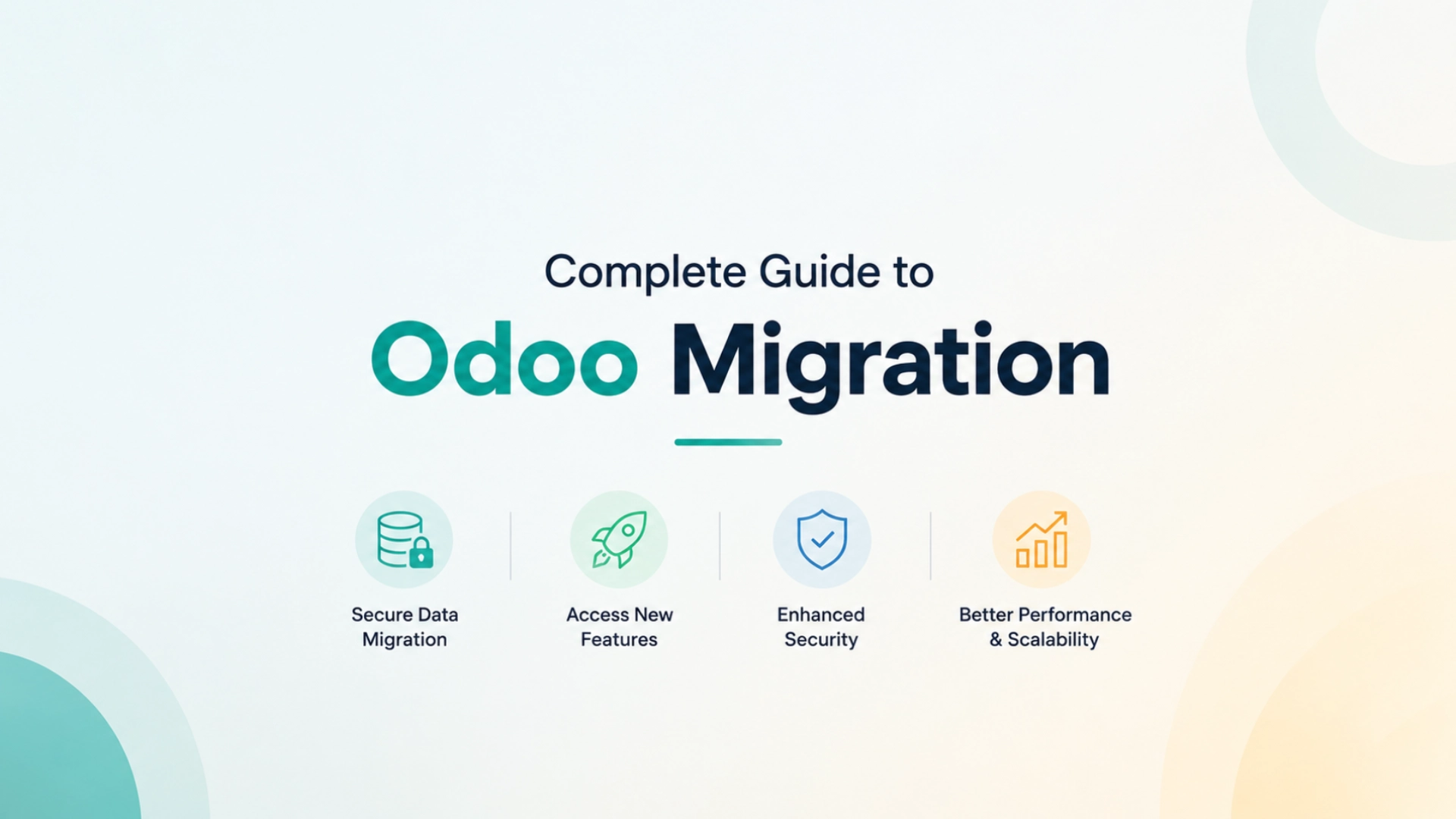
A Complete Guide to Odoo Migration helps businesses understand how to upgrade their ERP system efficiently while minimizing risks and maximizing long-term value.
Technology evolves rapidly, and businesses that rely on outdated software often face performance limitations, security risks, compatibility issues, and missed opportunities for innovation. As Odoo continues to release improved versions with enhanced features, better performance, stronger security, and advanced business capabilities, upgrading becomes an important part of maintaining a healthy ERP environment.
However, migrating from one Odoo version to another is not simply a technical update. It requires careful planning, data validation, customization review, testing, and user preparation.
A well-executed Odoo migration and upgrade project helps organizations leverage the latest capabilities while minimizing operational disruptions.
This guide explains everything businesses need to know about Odoo migration, upgrade strategies, challenges, and best practices.
What Is Odoo Migration and Upgrade?
Odoo migration refers to the process of transferring data, configurations, workflows, and customizations from an existing Odoo environment to a newer version.
An Odoo upgrade involves updating the ERP system to access new features, security enhancements, performance improvements, and technical support.
The goal is to ensure business continuity while benefiting from the latest advancements within the Odoo ecosystem.
Why Businesses Upgrade Odoo
Many organizations delay upgrades because their current system appears to function adequately. However, remaining on outdated versions can create long-term challenges.
Common reasons for upgrading include:
- Access to new features
- Improved user experience
- Enhanced security
- Better system performance
- Reduced technical debt
- Compatibility with newer technologies
- Improved reporting capabilities
- Long-term support availability
Organizations that maintain current versions often gain operational advantages over businesses running outdated ERP systems.
Benefits of Odoo Migration and Upgrade
Enhanced Performance
Each Odoo release includes performance improvements designed to increase speed, reliability, and scalability.
Users benefit from faster system response times and smoother operations.
Improved Security
Cybersecurity threats continue to evolve.
Newer Odoo versions incorporate updated security mechanisms that help protect business data and system integrity.
Access to New Features
Every major Odoo release introduces new capabilities that improve productivity and user experience.
These enhancements often reduce the need for third-party tools and custom workarounds.
Better User Experience
Updated interfaces improve usability, navigation, and workflow efficiency.
Employees can perform tasks more effectively with modernized tools and layouts.
Long-Term System Sustainability
Maintaining a supported ERP environment reduces future migration complexity and ensures access to ongoing improvements.
Types of Odoo Migration
Version-to-Version Migration
This involves upgrading from one Odoo version to a newer release.
Examples include:
- Odoo 15 to Odoo 16
- Odoo 16 to Odoo 17
- Odoo 17 to Odoo 18
This is the most common type of migration.
Community to Enterprise Migration
Some businesses migrate from the Community Edition to the Enterprise Edition to gain access to advanced features and official support.
Server Migration
Organizations may move Odoo environments to new hosting infrastructure, cloud platforms, or dedicated servers.
Database Migration
Database migration ensures that business data remains accurate and accessible during system transitions.
Key Components of the complete Guide to Odoo Migration
Data Migration
Business data must be transferred accurately to the new environment.
This typically includes:
- Customer records
- Supplier information
- Product catalogs
- Inventory data
- Financial records
- Sales history
- Employee information
Data validation is critical for maintaining system accuracy.
Custom Module Assessment
Customizations require special attention during upgrades.
Organizations must evaluate:
- Compatibility with new versions
- Required modifications
- Deprecated functionality
- Optimization opportunities
This step prevents unexpected system issues after deployment.
Workflow Review
Business processes often evolve over time.
Migration projects provide an opportunity to improve workflows rather than simply transferring existing inefficiencies.
Integration Validation
Third-party integrations should be reviewed and tested to ensure compatibility with the upgraded environment.
This may include:
- eCommerce platforms
- Payment gateways
- CRM systems
- Accounting software
- Logistics providers
User Acceptance Testing
Testing helps identify issues before the upgraded system goes live.
End users should verify:
- Daily workflows
- Reports
- Permissions
- Integrations
- Business processes
Comprehensive testing reduces implementation risks.
Common Challenges During Odoo Migration
Legacy Customizations
Older custom modules may not be compatible with newer versions.
These customizations often require redevelopment or optimization.
Data Quality Issues
Incomplete, duplicated, or outdated records can complicate migration efforts.
Data cleansing should occur before migration begins.
Integration Compatibility
Third-party applications may require updates to maintain compatibility with newer Odoo versions.
Downtime Concerns
Businesses often worry about operational disruptions during migration.
Proper planning minimizes downtime and reduces business impact.
User Resistance
Employees may need time to adapt to updated interfaces and workflows.
Training and communication play a critical role in adoption.
Signs Your Business Should Upgrade Odoo
Your organization should consider upgrading if:
- System performance has slowed noticeably.
- Security concerns are increasing.
- Current features no longer support business growth.
- Third-party integrations are becoming difficult to maintain.
- Users struggle with outdated workflows.
- Technical support for your version is limited.
- Customizations have become difficult to manage.
Delaying upgrades often increases future migration complexity and costs.
Best Practices for a Successful Odoo Upgrade
Start with a Comprehensive Assessment
Evaluate your current environment, business objectives, and technical requirements before planning the upgrade.
Create a Migration Roadmap
Define timelines, responsibilities, testing procedures, and success criteria.
A structured plan reduces uncertainty and project risks.
Clean Your Data
Removing duplicate and outdated information improves migration accuracy and system performance.
Review Existing Customizations
Determine which custom features remain necessary and which can be replaced with standard functionality.
Test Thoroughly
Testing should cover:
- Data integrity
- Workflow functionality
- Reporting accuracy
- Integration performance
- User permissions
Comprehensive testing helps prevent unexpected issues after launch.
Train End Users
Employees should understand new features, interface changes, and updated workflows before go-live.
Effective training improves adoption and productivity.
Frequently Asked Questions
How long does an Odoo migration take?
Migration timelines depend on system complexity, customization requirements, data volume, and integration dependencies. Projects can range from several weeks to several months.
Will data be lost during migration?
A properly planned migration includes backups, validation procedures, and testing to ensure data integrity throughout the process.
Can custom modules be migrated?
Yes. However, some customizations may require updates or redevelopment to ensure compatibility with newer Odoo versions.
Is it necessary to upgrade every Odoo release?
Not necessarily. However, businesses should avoid remaining on unsupported versions for extended periods to minimize security and maintenance risks.
Common Mistakes to Avoid
Skipping Testing
Insufficient testing is one of the most common causes of migration problems.
Migrating Poor-Quality Data
Outdated and inaccurate data can reduce system performance and reporting accuracy.
Ignoring User Training
Employees need proper preparation to successfully adopt updated workflows.
Overlooking Integration Requirements
Every connected system should be validated before deployment.
Waiting Too Long to Upgrade
Delaying upgrades often increases project complexity, technical debt, and future migration costs.
Conclusion
Odoo migration and upgrade projects are essential for maintaining a modern, secure, and efficient ERP environment.
While upgrading requires careful planning and execution, the benefits often outweigh the effort. Businesses gain access to enhanced functionality, stronger security, improved performance, and better scalability.
Organizations that approach migration strategically can reduce risks, improve operational efficiency, and position themselves for future growth.
Rather than viewing upgrades as technical necessities, businesses should see them as opportunities to optimize processes, modernize operations, and maximize the long-term value of their Odoo ERP investment.