As businesses grow, managing operations through spreadsheets, disconnected software, and manual processes becomes increasingly difficult. Teams struggle with duplicated work, delayed reporting, inventory inaccuracies, and limited visibility into business performance. This is where Odoo ERP implementation can make a significant difference.
Odoo ERP is an integrated business management platform that connects departments, processes, and data into a single system. From sales and CRM to accounting, inventory, manufacturing, HR, and eCommerce, Odoo helps organizations streamline operations and make informed decisions.
This guide explains what Odoo ERP implementation involves, why it matters, and how businesses can ensure a successful deployment.
If you are also weighing whether to manage the project in-house or bring in outside expertise, our guide on why businesses need Odoo consulting explains when professional guidance makes the biggest difference.
What Is Odoo ERP Implementation?
Odoo ERP implementation is the process of planning, configuring, customizing, deploying, and optimizing the Odoo platform to meet an organization’s specific business requirements.
A successful implementation involves much more than installing software. It requires understanding existing workflows, defining business goals, migrating data, training users, and continuously improving processes.
The objective is to create a centralized system that improves productivity, visibility, and operational efficiency.
For a full picture of the apps that ship with the platform, the official Odoo ERP overview is a useful starting reference alongside this guide.
Why Growing Businesses Need Odoo ERP
Many businesses reach a point where manual processes become barriers to growth. Common challenges include:
- Multiple disconnected software systems
- Data duplication and inconsistencies
- Lack of real-time reporting
- Inventory management issues
- Delayed customer responses
- Inefficient financial processes
- Difficulty scaling operations
Odoo ERP addresses these challenges by creating a unified platform that allows departments to work together seamlessly.
Key Benefits of Odoo ERP Implementation
Improved Operational Efficiency
Odoo automates repetitive tasks and reduces manual data entry. Teams spend less time on administrative work and more time on strategic activities.
Real-Time Business Visibility
Decision-makers gain access to accurate dashboards and reports that provide insights into sales, inventory, finance, and operations.
Better Customer Experience
Integrated CRM, sales, and support tools help businesses deliver faster responses and better customer service.
Scalable Business Management
Odoo grows alongside your business. New applications and modules can be added as requirements evolve.
Reduced Operational Costs
Automation and centralized data management help reduce inefficiencies and minimize operational expenses.
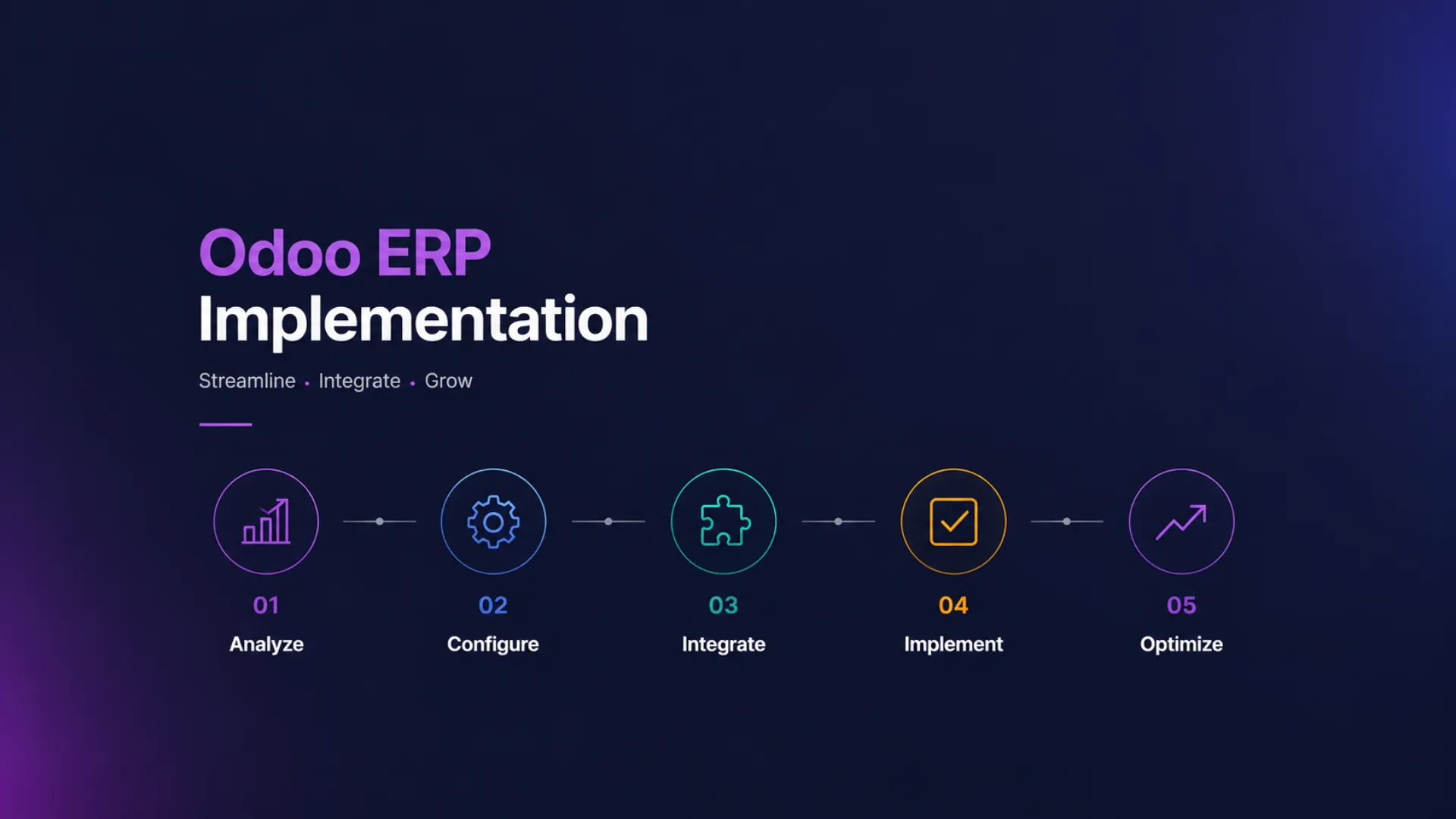
The Odoo ERP Implementation Process
1. Business Analysis and Discovery
The implementation journey begins with understanding the organization’s goals, challenges, and workflows.
During this phase:
- Existing processes are reviewed
- Pain points are identified
- Requirements are documented
- Success metrics are defined
This stage creates the foundation for the entire project.
2. Solution Design
After gathering requirements, implementation specialists design the ERP architecture.
This includes:
- Module selection
- Workflow planning
- User roles and permissions
- Reporting requirements
- Integration planning
The goal is to align Odoo with business objectives.
Integration planning is far easier when you already understand how Odoo integration streamlines business operations across your existing software stack.
3. System Configuration
Odoo modules are configured according to business needs.
Typical configurations include:
- CRM setup
- Sales workflows
- Accounting structure
- Inventory management rules
- Purchasing processes
- Manufacturing workflows
Proper configuration ensures efficient system performance.
4. Customization
Many businesses require specific features that are not available in standard Odoo modules.
Customization may include:
- Custom workflows
- Additional reports
- Industry-specific features
- Custom dashboards
- Automation rules
Custom development should always support long-term maintainability.
For a closer look at how far to take this, see our dedicated guide to Odoo customization and where the line between configuration and custom development should sit.
5. Data Migration
Data migration is one of the most critical implementation stages.
Information commonly migrated includes:
- Customers
- Suppliers
- Products
- Inventory records
- Financial data
- Historical transactions
Data must be cleaned and validated before migration to ensure accuracy.
6. Testing and Quality Assurance
Before deployment, the system undergoes extensive testing.
This helps verify:
- Business processes function correctly
- Reports produce accurate results
- Integrations work properly
- Security permissions are configured correctly
Testing reduces implementation risks and prevents operational disruptions.
7. User Training
Technology adoption depends on user confidence.
Training should cover:
- Daily workflows
- Reporting tools
- System navigation
- Best practices
- Role-specific processes
Well-trained employees contribute significantly to project success.
We cover this in more depth in why Odoo training is essential for business success.
8. Go-Live and Support
Once testing and training are completed, the system goes live.
The implementation team typically provides:
- Go-live assistance
- User support
- Issue resolution
- Performance monitoring
- Continuous optimization
Post-launch support ensures smooth adoption.
Go-live is also where ongoing Odoo support and maintenance becomes critical to protecting the gains made during implementation.
Common Odoo ERP Implementation Challenges
Unclear Requirements
Projects often encounter delays when business requirements are not properly documented.
Resistance to Change
Employees may be hesitant to adopt new processes without proper communication and training.
Poor Data Quality
Incomplete or inaccurate data can affect system performance and reporting accuracy.
Insufficient Planning
Implementation projects require structured planning and realistic timelines.
Excessive Customization
Over-customizing the system can increase complexity and future maintenance costs.
Best Practices for Successful Odoo ERP Implementation
Define Clear Objectives
Establish measurable business goals before starting the project.
Choose the Right Implementation Partner
Experienced consultants can help reduce risks and accelerate deployment.
Focus on Process Improvement
Implementation should improve workflows rather than simply replicate outdated processes.
Prioritize User Adoption
User engagement and training should remain a priority throughout the project.
Plan for Future Growth
Build a scalable ERP environment that can support business expansion.
Who Can Benefit from Odoo ERP?
Odoo ERP serves businesses across multiple industries, including:
- Manufacturing
- Wholesale Distribution
- Retail
- eCommerce
- Professional Services
- Construction
- Healthcare
- Education
- Logistics
- Hospitality
Its modular structure allows organizations to implement only the functionality they need.
Frequently Asked Questions
How long does Odoo ERP implementation take?
Implementation timelines vary depending on business size, complexity, customization requirements, and data migration needs. Projects can range from a few weeks to several months.
Is Odoo suitable for small businesses?
Yes. Odoo is highly scalable and can support startups, SMEs, and large enterprises.
Can Odoo integrate with existing systems?
Yes. Odoo can integrate with various third-party applications, payment gateways, eCommerce platforms, and business tools.
Does Odoo require customization?
Not always. Many businesses can operate successfully using standard modules, while others may require custom development for specialized workflows.
Conclusion
Odoo ERP implementation is more than a software deployment project. It is a strategic initiative that can transform how a business operates, collaborates, and grows.
When properly planned and executed, Odoo helps organizations streamline processes, improve decision-making, increase productivity, and build a foundation for long-term growth.
Businesses that invest in a structured implementation approach are better positioned to maximize the value of their ERP system and achieve sustainable success.
Ready to map out your own implementation roadmap? Get in touch with our Odoo implementation team for a free consultation, or browse our success stories to see how similar projects came together.