Modern businesses face increasing pressure to do more with fewer resources. Customers expect faster service, employees need efficient workflows, and business leaders require accurate data to make informed decisions. Yet many organizations still rely on manual processes that consume time, increase costs, and create unnecessary errors.
Tasks such as data entry, invoice processing, inventory tracking, lead management, approval workflows, and report generation often require significant manual effort. As businesses grow, these inefficiencies become larger obstacles to productivity and profitability.
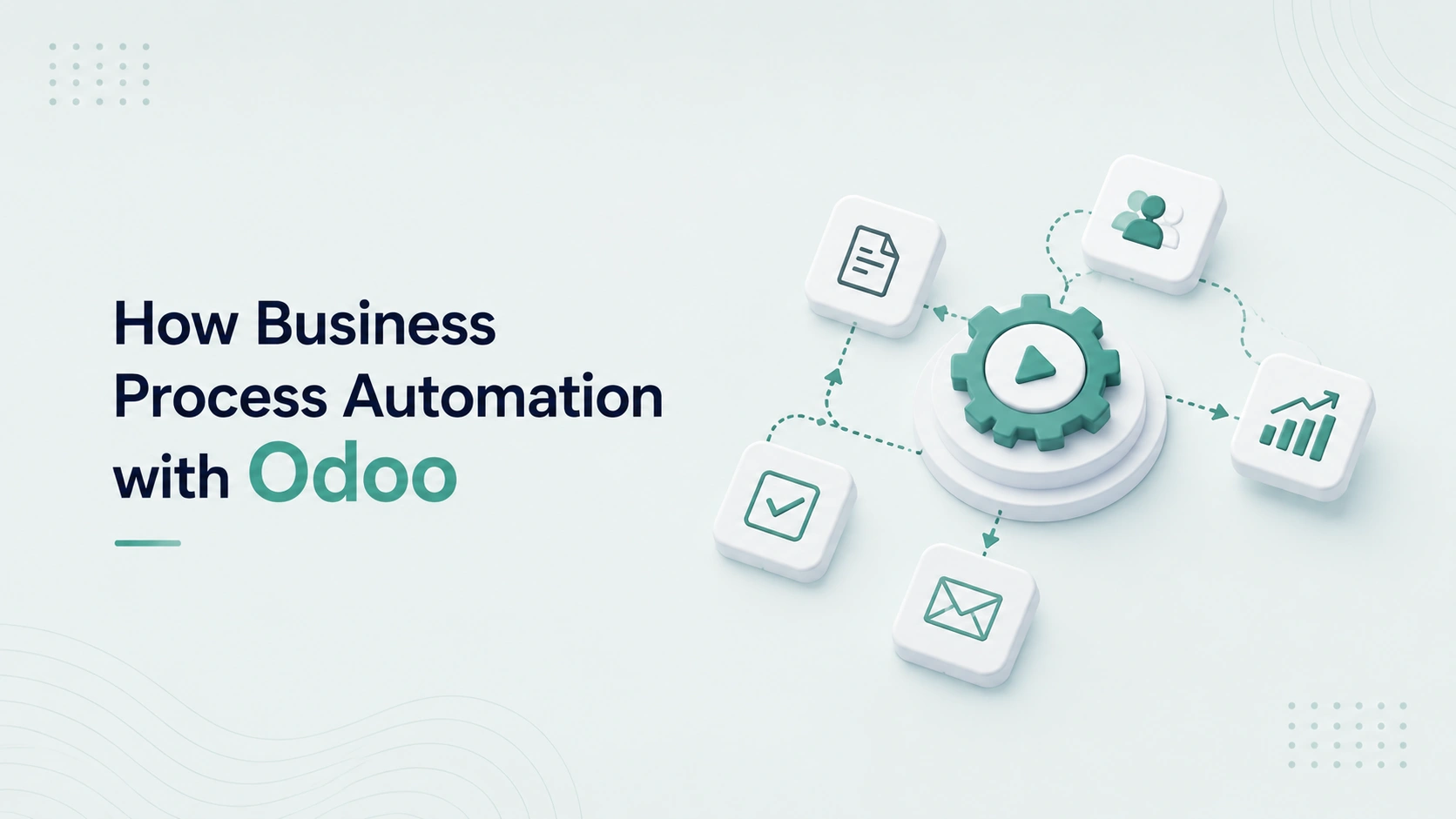
Business process automation helps organizations overcome these challenges by replacing repetitive manual activities with intelligent, automated workflows.
Odoo ERP provides powerful automation capabilities that allow businesses to streamline operations, improve accuracy, reduce costs, and support sustainable growth. Research from McKinsey on automation success shows that organizations scaling automation across the whole business see the strongest gains.
This guide explains how business process automation works, its benefits, and how Odoo helps organizations build more efficient and profitable operations.
What Is Business Process Automation with Odoo?
Business Process Automation (BPA) is the use of technology to automate repetitive tasks, workflows, and operational processes that would otherwise require manual intervention.
The goal of automation is to improve efficiency, consistency, and productivity while reducing human errors and operational costs.
Instead of relying on employees to manually perform routine activities, automation enables systems to execute tasks automatically based on predefined rules and conditions.
Why Business Process Automation Matters?
Many businesses operate with processes that were designed when the organization was much smaller.
As operations expand, manual workflows often create:
- Delays
- Data inaccuracies
- Communication gaps
- Higher labor costs
- Reduced productivity
- Poor customer experiences
- Limited scalability
Automation addresses these challenges by creating standardized and efficient processes that support growth. It works best alongside the core systems every growing business needs to operate smoothly at scale.
How Odoo Supports Business Process Automation?
Odoo integrates multiple business functions into a single platform, making it easier to automate processes across departments.
Automation can be applied to:
- Sales
- Customer relationship management
- Accounting
- Inventory management
- Procurement
- Manufacturing
- Human resources
- Marketing
- Customer support
- Project management
Because all modules share a common database, information flows automatically between processes without requiring duplicate data entry. Companies often turn to automation precisely when manual systems start to buckle, which is one of the main reasons small businesses fail to scale.
Benefits of Business Process Automation with Odoo
1. Increased Operational Efficiency
Automated workflows reduce the time required to complete routine tasks.
Employees spend less time on repetitive work and more time focusing on strategic activities.
2. Reduced Human Errors
Manual processes often lead to mistakes that affect reporting, customer service, inventory accuracy, and financial records.
Automation improves consistency and reduces costly errors.
3. Faster Decision-Making
Automated data collection and reporting provide real-time visibility into business performance.
Decision-makers can respond quickly to opportunities and challenges.
4. Lower Operating Costs
Automation reduces administrative workloads and improves resource utilization.
This helps businesses lower operational expenses while increasing productivity.
5. Improved Customer Experience
Faster processes and accurate information enable organizations to provide better service and stronger customer relationships.
Business Processes That Can Be Automated in Odoo
1. Lead Management and Sales Automation
Sales teams often spend considerable time managing leads and updating records.
Odoo can automate:
- Lead assignment
- Follow-up reminders
- Opportunity tracking
- Quotation generation
- Sales pipeline updates
- Customer communication
Automation allows sales representatives to focus more on closing deals and building relationships.
2. Customer Relationship Management
CRM automation helps organizations maintain consistent customer engagement.
Examples include:
- Automatic lead scoring
- Follow-up scheduling
- Activity tracking
- Customer segmentation
- Sales notifications
These capabilities improve sales efficiency and customer satisfaction.
3. Invoice and Accounting Automation
Financial processes are among the most time-consuming business activities.
Odoo can automate:
- Invoice creation
- Payment reminders
- Bank reconciliation
- Expense tracking
- Tax calculations
- Financial reporting
Accounting automation improves accuracy and reduces administrative burdens.
4. Inventory Management Automation
Managing inventory manually becomes increasingly difficult as businesses grow.
Odoo automates:
- Stock level monitoring
- Reorder triggers
- Inventory adjustments
- Warehouse transfers
- Purchase requests
Automation helps prevent stock shortages and overstock situations. This is especially valuable for online retailers, as we cover in how Odoo ERP helps eCommerce businesses grow faster.
5. Procurement Automation
Procurement workflows often involve multiple approvals and manual coordination.
Odoo can automate:
- Purchase requisitions
- Vendor communications
- Approval workflows
- Supplier evaluations
- Purchase order generation
This reduces delays and improves purchasing efficiency.
6. Human Resource Automation
HR teams manage a wide range of administrative responsibilities.
Odoo automates:
- Employee onboarding
- Attendance tracking
- Leave requests
- Performance reviews
- Document management
Automation allows HR professionals to focus more on employee development and organizational growth.
7. Marketing Automation
Effective marketing requires timely and personalized communication.
Odoo supports:
- Email campaigns
- Customer segmentation
- Lead nurturing
- Campaign tracking
- Marketing analytics
Automated marketing helps increase engagement while reducing manual effort.
8. Customer Support Automation
Customer service teams benefit from streamlined workflows.
Odoo can automate:
- Ticket creation
- Issue assignment
- Status updates
- Escalation procedures
- Customer notifications
This improves response times and service quality.
Real-World Impact of Automation
Organizations that successfully implement automation often experience:
1. Faster Workflow Execution
Processes that previously required hours can often be completed within minutes.
2. Higher Productivity
Employees spend more time on value-generating activities rather than administrative tasks.
3. Improved Data Accuracy
Automated data handling reduces inconsistencies and reporting errors.
4. Better Resource Allocation
Teams can focus on strategic initiatives instead of repetitive operational work.
5. Stronger Business Growth
Scalable processes enable organizations to grow without proportionally increasing administrative overhead.
Common Automation Mistakes to Avoid
1. Automating Inefficient Processes
Businesses should optimize workflows before automating them.
Automating a flawed process simply accelerates inefficiency.
2. Lack of Process Documentation
Clear documentation helps ensure automation aligns with business objectives.
3. Ignoring User Adoption
Employees should understand how automated workflows operate and how they benefit daily operations. Proper onboarding makes a real difference, which is why Odoo training is essential for business success.
4. Overcomplicating Automation Rules
Simple, well-designed automations are often more effective than highly complex systems.
5. Failing to Monitor Results
Automation performance should be reviewed regularly to identify opportunities for improvement.
Signs Your Business Is Ready for Automation
You may benefit from business process automation if:
- Employees spend excessive time on repetitive tasks.
- Data entry consumes significant resources.
- Errors occur frequently.
- Approval processes create delays.
- Reporting takes too long.
- Customer response times are inconsistent.
- Operational complexity is increasing.
These challenges often indicate opportunities for automation and process improvement.
Best Practices for Business Process Automation
1. Identify High-Impact Opportunities
Focus on processes that consume significant time and resources.
2. Define Clear Objectives
Establish measurable goals such as:
- Reduced processing time
- Increased productivity
- Improved accuracy
- Lower operational costs
3. Involve Stakeholders
Employees who use the processes daily often provide valuable insights into improvement opportunities.
4. Monitor Performance
Track key performance indicators to measure automation success.
5. Continuously Improve
Automation should evolve as business requirements change.
Regular reviews help maximize long-term value.
Frequently Asked Questions
1. What is the difference between ERP and business process automation?
ERP provides a centralized system for managing business operations, while automation focuses on reducing manual work within those processes. Odoo combines both capabilities within a single platform.
2. Can small businesses benefit from automation?
Yes. Small businesses often achieve significant efficiency gains through automation because it allows teams to accomplish more without increasing headcount.
3. Does automation eliminate jobs?
Automation typically reduces repetitive administrative tasks, allowing employees to focus on higher-value work such as customer service, strategy, innovation, and business development.
4. Which processes should be automated first?
Organizations should begin with repetitive, time-consuming processes that have a measurable impact on productivity and operational costs.
Future Trends in Business Process Automation
As technology continues to evolve, automation is becoming increasingly intelligent.
Emerging trends include:
- Artificial Intelligence integration
- Predictive analytics
- Intelligent workflows
- Automated decision support
- Advanced business intelligence
Organizations that embrace automation today will be better positioned to leverage future innovations.
Conclusion
Business process automation is no longer a competitive advantage reserved for large enterprises. It has become an essential strategy for organizations seeking efficiency, scalability, and profitability.
By automating repetitive tasks and connecting workflows across departments, Odoo helps businesses streamline operations, improve data accuracy, reduce costs, and enhance customer experiences.
Organizations that invest in automation create stronger foundations for growth, allowing employees to focus on innovation and strategic initiatives rather than manual administration.
With the right automation strategy, Odoo becomes more than an ERP platform—it becomes a powerful engine for operational excellence and long-term business success.